
This operation manual introduces the use of the DINAMAP@ PRO series 100-400 monitor.
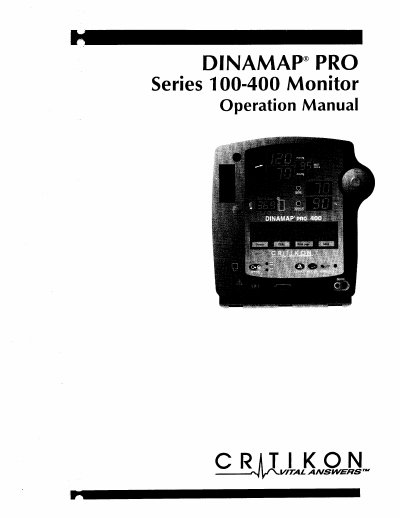
This document is the operation manual for the Critikon DINAMAP PRO Series 100-400 Monitor. It provides instructions for operating the device to measure blood pressure, pulse rate, temperature, and oxygen saturation noninvasively. The guide covers different models (PRO 100, 200, 300, and 400) which vary in their measurement capabilities.
| Intended Use | monitor one patient at the bedside |
|---|---|
| Battery Charging Time (Off) | 8 hours |
| Battery Charging Time (On) | 1 hour 50 minutes |
| Battery Runtime (Full Charge) | approximately 2 hours |
The series includes four models: PRO 100, PRO 200, PRO 300, and PRO 400.
It measures systolic blood pressure, diastolic blood pressure, mean arterial pressure, pulse rate, temperature, and oxygen saturation.
It takes 1 hour and 50 minutes to fully recharge a completely discharged battery when the monitor is switched off.