
This is a quick reference guide for B. Braun's Vista™ Basic Infusion Pump, which introduces the features and characteristics of the pump, including alarm troubleshooting, program mode and ramp taper mode.
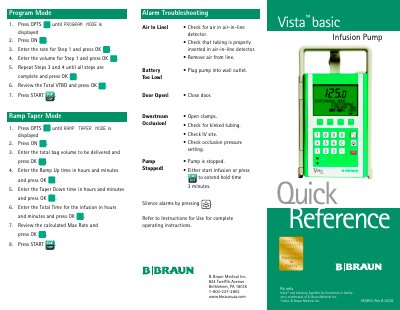
This document serves as a quick reference guide for the B. Braun Vista basic infusion pump, intended for medical professionals. It provides concise instructions for troubleshooting common alarms such as air in line, battery issues, and occlusions. The guide also outlines the steps to enter Program Mode and Ramp Taper Mode for setting up complex infusion schedules. This manual is written in Chinese.
| Document Revision | 950853-Rev B |
|---|
Silence alarms by pressing the designated key.
Check for kinked tubing, check the IV site, and check the occlusion pressure setting.
Press OPTS until PROGRAM MODE is displayed, press ON, enter the rate and volume for each step, and press START.