
This document provides information on the functionality and safe operation of the pump, emphasizing the importance of using recommended accessories. Unauthorized use will void the warranty.
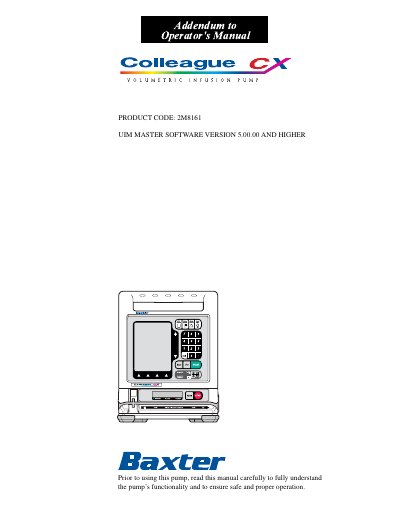
This addendum provides updated instructions for the Baxter Colleague CX Volumetric Infusion Pump, specifically for software version 5.00.00 and higher. It details new features such as Delay Start mode, which allows infusions to begin at a scheduled time, and the Colleague Guardian feature, which lets authorized personnel preset drug parameters to prevent unsafe dosing. The document also explains the pump’s 10-color display and how to program and manage Delay Start infusions.
The addendum is intended to be used in conjunction with the main operator’s manual and includes important warnings about software compatibility, electromagnetic interference, and proper use of administration sets.
No, configuration data is not transferable between pumps with software version 5.00 and older versions.
It allows authorized hospital personnel to preset drug parameters including dose limits, values, concentration, diluent volumes, and drug amounts based on hospital protocol.
From the Primary Rate-Volume screen, select Primary Delay Start from the Programming Modes menu, set the time and date, and press START. The pump will power off and start the infusion when the clock reaches the programmed time.