
The F75 is a multi-purpose metal detector that is one of the most popular metal detectors on the market. It is most commonly used for finding coins or relics, but it is also suitable for finding gold. The metal detector features a lightweight, well-balanced, ergonomic design, an intuitive menu-driven user interface, visual indicators for important indicator values such as target identification, target confidence, target depth identification (dynamic and static depth), and soil mineralization. It also has multiple search modes, automatic ground balance, a water-proof open frame, a fully adjustable arm rest, and more.
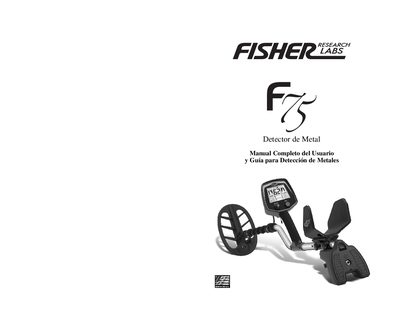
This document is the complete user manual and guide for the Fisher F75 metal detector. It provides instructions for quick start, assembly, and mechanical adjustments. The guide details the intuitive menu system, visual indicators for target identification and depth, and various search modes including discrimination and all-metal settings. This manual is written in Spanish.
| Weight | 3.5 lbs (1.6 kg) with batteries |
|---|---|
| Search Coil | 11 inch open frame, waterproof |
| Operating Frequency | 13 kHz nominal |
| Battery Type | 4 AA alkaline batteries |
| Battery Life | 40 hours with alkaline batteries |
| Operating Temperature | -20 to +50 degrees Celsius |
The detector requires four AA batteries. Alkaline, Nickel, and Lithium batteries are compatible.
The default sensitivity setting is 60 when the detector is first powered on.