
This guide describes how to install, connect and operate the monitor's features.
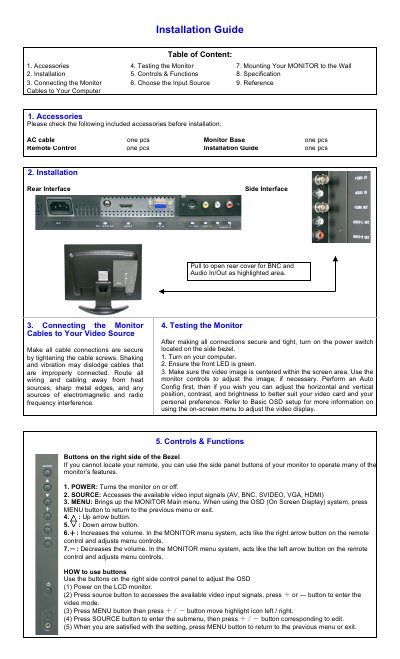
This document serves as an installation guide for a 17 or 19 inch LCD monitor. It details the included accessories, installation steps, and procedures for connecting the monitor to various video sources including HDMI, VGA, BNC, S-Video, and RCA. The guide also explains how to use the monitor's on-screen display (OSD) controls and buttons.
| Resolution | 1280 x 1024 (SXGA) |
|---|---|
| Viewing lines | >500 lines (TVL) |
| Brightness | 300 cd/m2 |
| Contrast ratio | 800:1 |
| Response time | 5ms |
| Viewing Angles | 170/170 |
| Display colors | 16.7 Million |
| Power Use | <45W, <2W (standby) |
| Operating temp | 5-40°C |
The monitor supports AV, BNC, S-Video, VGA, and HDMI inputs.
You need to remove the base first and purchase a VESA 75 x 75 wall mount.
HDMI offers the highest bandwidth, highest resolution, and includes audio.