
This is a tutorial on how to authorize Antares software using an iLok USB smartkey.
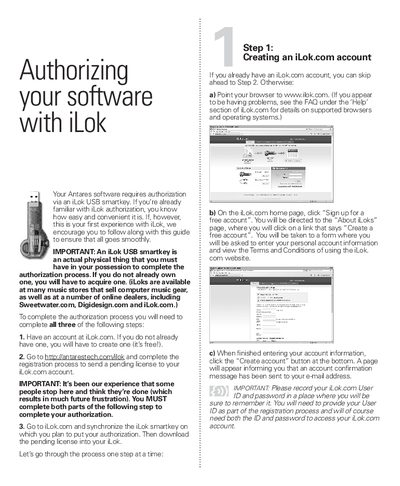
This document provides step-by-step instructions for authorizing Antares software using an iLok USB smartkey. The process requires the user to have a physical iLok key, an iLok.com account, and a valid registration code from their software purchase. The guide details the three main steps: creating an account, registering the software license to the account, and synchronizing the iLok to download the license.
The registration code is a series of numbers and short words separated by a hyphen that was supplied with the purchase of your Antares software.
Yes, you must log in to your account and download the license to your iLok to complete the authorization process.