
Agilent's online store is the most convenient way to buy Agilent instruments, consumables and accessories.
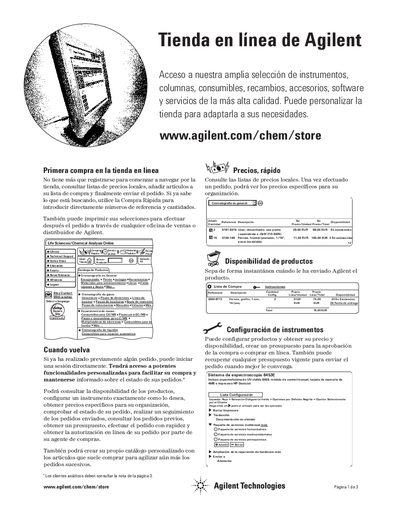
This document provides instructions for using the Agilent online store (www.agilent.com/chem/store). It explains how to register or log in, search for products by reference number or keyword, and add items to a shopping list. Users can also create personalized catalogs of frequently purchased items to speed up future orders. This manual is written in Spanish.
No, you do not have to register to start browsing or adding items to your list.
You can email the exclusive one-time user identifier to your purchasing agent or authorized contact.
You can check the status of your order from Agilent's door to yours, regardless of how it was placed.