
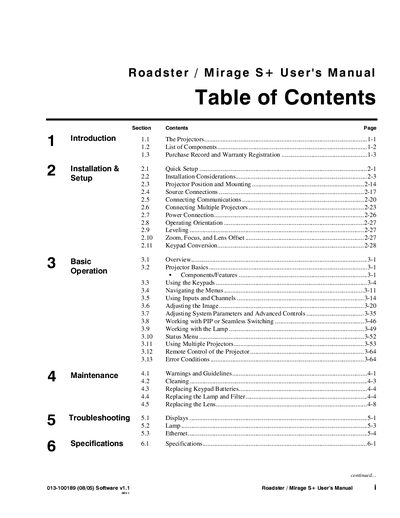
The document is the user manual for Roadster / Mirage S+, which provides information on installation and setup, basic operation, maintenance, and troubleshooting of the product.
This document is the official User's Manual for the Christie Roadster S+12K/S+16K and Mirage S+14K projectors. These high-brightness DMD projectors utilize Digital Light Processing technology from Texas Instruments to deliver 1400 x 1050 native resolution images with excellent color saturation.
| Native Resolution | 1400 x 1050 (SXGA+) |
|---|---|
| Brightness Roadster S+12K | 12,000 ANSI lumens |
| Brightness Roadster S+16K | 16,000 ANSI lumens |
| Brightness Mirage S+14K | 16,000 ANSI lumens |
| Contrast Ratio (ANSI) | 450-600:1 |
The Roadster S+ and Mirage S+ series feature a true 1400 x 1050 (SXGA+) native resolution.
Turn the power breaker/switch on, then press and hold the lamp button briefly or press it followed immediately by the power button.
Yes, these projectors feature a no-tool lens replacement design with integral rigging hardware.