
Surveillix DVR Software Manual

This document is the user manual for Surveillix™ DVR software, providing instructions for using the product and emphasizing the importance of saving the manual for future reference.
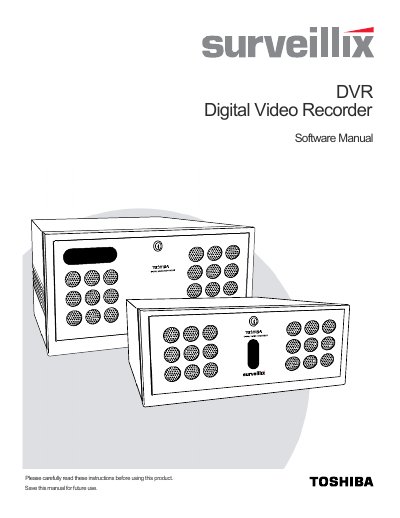

Surveillix DVR Software Manual - cover page
Brand
Surveillix
Document type
User Manual
Language
English
Pages
105
File format
PDF
File size
2 MB
Published
06 July, 2012
Updated
28 September, 2023
MD5 checksum
0D58075D5E24B08BC0CAC8BEF4582A0D

About this manual

The document is a user guide for the Surveillix Digital Video Recorder (DVR) software. It covers fundamental operations such as turning the device on and off, using the utility interface, and configuring camera settings. The manual details how to set up recording schedules, manage users, and configure network connections.

What's inside

  • DVR Basics
  • Setup Options
  • Search
  • Instant Recording
  • PTZ Setup
  • Backing Up Video Data
  • LAN Connections
  • Web Viewer

Frequently asked questions

What is the default password for the administrator account?

The manual states that the default administrator password is blank.

What is the maximum number of DVR units the SCS software can control?

The SCS software allows 100 or more DVR units to be controlled using one computer.

What happens if a user account is not created for the DVR server?

Without a user account, the Administrator account must be used to log in.

Download PDF (2 MB)

More Surveillix Manuals


View all Surveillix manuals →