
This DLP™ Technology Projector features high brightness, high resolution, compact size, light weight for portability, RGB input terminal, RS232 Communication, and mouse emulation.
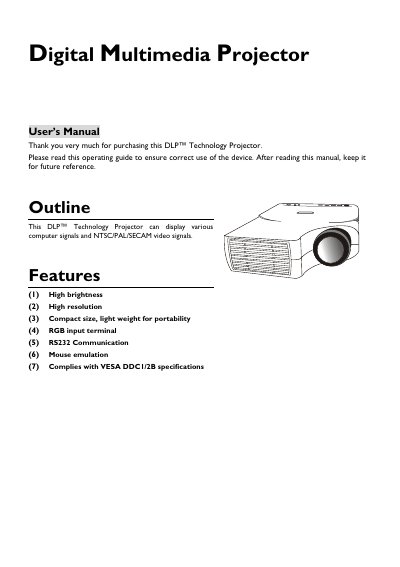
This user's manual covers the operation of a DLP™ Technology projector capable of displaying computer signals and NTSC/PAL/SECAM video. Key features include high brightness, SVGA/XGA resolution support, compact portability, and an auto-detect system for PC signals.
The guide details installation procedures such as positioning the unit (1m-10m distance), adjusting feet for angle correction, and connecting to computers or Macintosh systems via D-Sub 15 pin. It also explains how to use the control pad, remote control, and On-Screen Display (OSD) menus.
| Image Resolution | SVGA/XGA, supports SXGA using compression technology |
|---|---|
| Brightness Technology | DLP Digital Micromirror Device (DMD) |
| Weight | 5-pound weight |
| Size | B5 size |
| Projection Distance Range | 1m - 10m |
| Adjustable Projection Angle | 2° to 8.5° |
It supports NTSC, PAL, and SECAM video signals.
Allow approximately 45 minutes for cooling prior to removing the lamp assembly.
Yes, it has a full mirror scan conversion function that allows image reversal for ceiling mounting.