
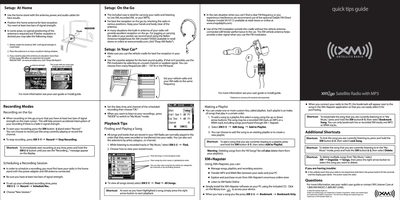
XM xm2go Satellite Radio with MP3 Quick Tips Guide


XM xm2go Satellite Radio with MP3 Quick Tips Guide - cover page
Brand
xm2go
Category
MP3 Player
Document type
Quick Start Guide
Language
English
Pages
1
File format
PDF
File size
942 KB
Published
06 July, 2012
Updated
06 July, 2012
MD5 checksum
72B1DC53D55FE90BAF4A98815A7F255A

About this manual

This document provides quick setup tips for the XM xm2go Satellite Radio with MP3 in home, on-the-go, and car environments. It details how to position the antenna for best reception, including the use of extension kits and Belkin Antenna Headphones. For car use, it recommends the vehicle cradle and cassette adapter or FM modulator.

What's inside

  • Setup: At Home
  • Setup: On the Go
  • Setup: In Your Car
  • Recording Modes
  • Scheduling a Recording Session
  • Playback Tips
  • Making a Playlist
  • XM+Napster
  • Additional Shortcuts
  • If you are having trouble

Frequently asked questions

What is the frequency range for the FM modulator?

You can choose from many frequencies (88.1 - 107.9) in the FM band.

What is the model number for the XM antenna extension kit?

The model number for the extension kit is XMSS5OFTANT.

How do you reset the radio if it is not responsive?

Hold down the power button for five seconds until the display goes blank.

Download PDF (942 KB)