
The XMCommander Satellite Radio FM Modulator and Receiver System provides over 100 music, news, and information channels.
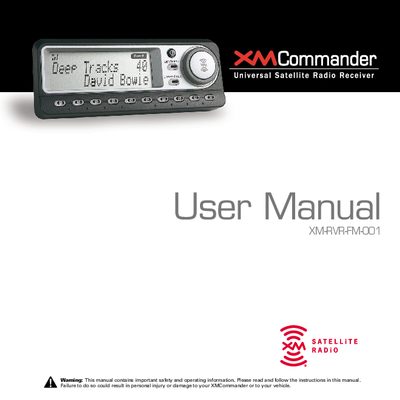
The XMCommander XM-RVR-FAM-001 is a satellite radio FM modulator and receiver system that allows users to receive and play over 100 XM Satellite Radio channels through their existing vehicle audio system. The device integrates seamlessly with the car's sound system to provide access to music, news, and information without commercial interruptions. Professional installation is highly recommended to ensure maximum performance and safety.
| Receiver Weight | 11.8 oz (335 g) |
|---|---|
| Power Input | 12V DC, 600 mA maximum |
| Audio Output | 3.5 mm diameter ministereo jack |
Log onto http://activate.xmradio.com or call 1-800-852-9696 with your XM Satellite Radio ID number and a major credit card.
The XMCommander can store up to 30 preset channels organized into three groups (Preset A, B, and C).
TuneSelect changes the functionality of the tuning wheel so that it automatically selects a channel each time it is rolled without having to press the wheel in.