
GRACE ITC-IR1000B Wireless Internet Radio User Guide

This document is a user guide for the Grace Wireless Internet Radio ITC-IR1000B. It provides instructions on how to connect to a wireless network, select radio stations, set alarms, configure personal accounts, and access audio files.
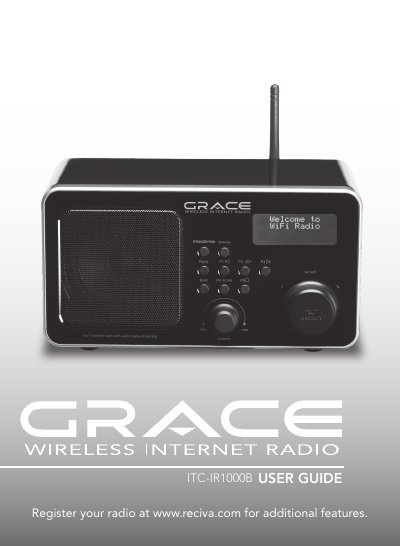

GRACE ITC-IR1000B Wireless Internet Radio User Guide - cover page
Brand
Grace
Category
Other Electronics
Document type
User Manual
Language
English
Pages
42
File format
PDF
File size
1.4 MB
Published
06 July, 2012
Updated
28 September, 2023
MD5 checksum
5A3CDBA185411F8C7D0ED32F6B143B5A

About this manual

The document serves as a quickstart guide for the GRACE ITC-IR1000B Wireless Internet Radio. It details the initial setup process, including powering up the device, scanning for wireless networks, and connecting to an access point using WEP or WPA codes. The manual also explains how to register the radio at www.reciva.com.

What's inside

  • Safety Warnings
  • What You Need Before Use
  • Controls
  • Connecting to Wireless Network
  • Choosing a Radio Station
  • Storing a Preset
  • Setting the Clock and Alarm
  • Configuring My Stuff
  • Media Player Setup
  • Troubleshooting

Specifications

Wireless Range300 feet (100 meters)

Frequently asked questions

What is the maximum distance the radio can operate from the wireless access point?

The radio should work anywhere within 300 feet (100 meters) of the wireless access point.

How long must the radio stand at room temperature after moving from a cold place?

You must allow the radio to stand at room temperature for 2-3 hours before use to prevent moisture damage.

What is the minimum distance required around the radio for ventilation?

You must allow a minimum distance of 5cm around the apparatus for sufficient ventilation.

Download PDF (1.4 MB)

More Grace Manuals


View all Grace manuals →