
This is a printable version of the manual that is included within the Flipnote Studio application on the Nintendo DSi. The manual provides instructions on how to use the application.
Flipnote Studio is a creative application designed specifically for the Nintendo DSi system. It allows users to create animated flipbooks known as "Flipnotes" by drawing with the stylus, recording sounds via the microphone, and importing photos from the built-in camera. Users can save these creations locally or share them online via Flipnote Hatena if they have an internet connection.
Flipnote Studio turns the Nintendo DSi system into an animation powerhouse that lets you write letters, draw pictures, add recorded sounds, and import photos to create animated flipnotes.
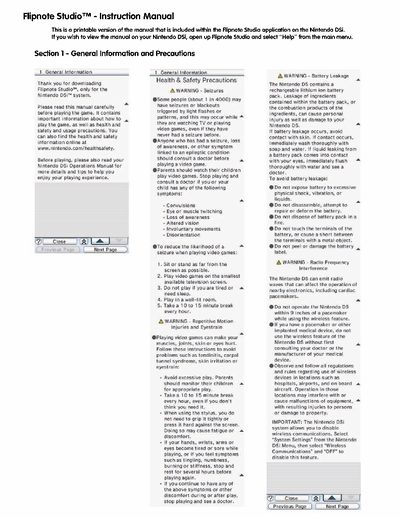
You should take a 10 to 15 minute break every hour to avoid repetitive motion injuries and eyestrain.
You must not operate the Nintendo DS within 9 inches of a pacemaker while using the wireless feature.