
This is a user manual for the Samson Technologies Unplugged Microphone
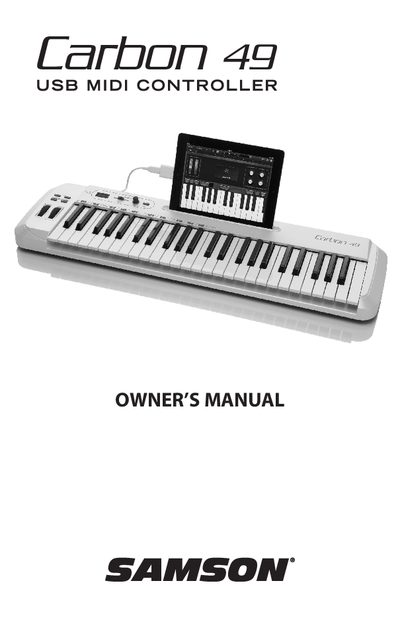
The Samson Technologies Carbon 49 is a 49-key velocity-sensitive, semi-weighted USB keyboard controller designed to integrate with Windows or Mac digital production workstations. It features an assignable data encoder and volume fader, pitch bend and modulation wheels, dedicated octave buttons, and a 3-digit LED display for real-time feedback.
The device connects via USB for power and MIDI transmission and includes a 5-pin MIDI Out port for external devices. The manual details the front and rear panel controls, quick start procedures, basic operation modes including Edit Mode, and specifications regarding system requirements.
| Keyboard Type | 49-key velocity-sensitive, semi-weighted keyboard |
|---|---|
| Power Connection | USB connection for power and MIDI |
| MIDI Output | 5-pin MIDI Out to connect to standard external MIDI devices |
| Display | 3-digit, 7-segment LED display which provides real-time feedback |
Windows XP/Vista/Win7 with an 800MHz processor or higher, 256MB RAM or larger, and a USB port.
MacOS X 10.4.9 or higher with a 733MHz processor or higher and 512MB RAM or larger.
iOS v4.2 or higher.