
4-Line Telephone System Owner's Guide

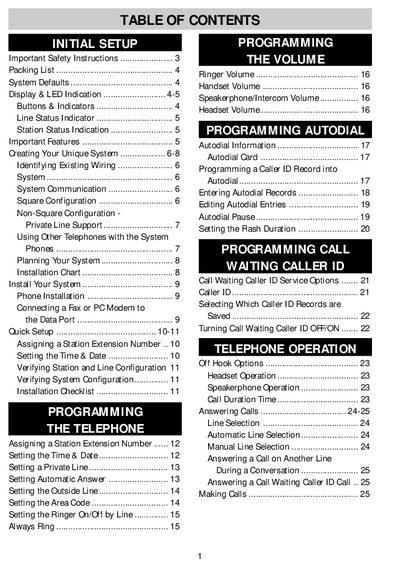
This manual introduces the initial setup of the system, system configuration, telephone installation, quick setup, and telephone programming

4-Line Telephone System Owner's Guide - cover page
Brand
4-line
Category
Other Electronics
Document type
User Manual
Language
English
Pages
50
File format
PDF
File size
511 KB
Published
05 July, 2012
Updated
30 September, 2023
MD5 checksum
C5FBD6D9A37277CDAD436950F00FC7E3

About this manual

The document serves as an owner's guide for a 4-line telephone system. It covers initial setup procedures including unpacking the base unit, cords, handset, and AC adapter. The guide details how to assign station extension numbers and configure system defaults such as area codes, auto-answer settings, and ringer volumes.

What's inside

  • Initial Setup
  • Display & LED Indication
  • Programming Station Extension Numbers
  • Setting Time & Date
  • Autodial Programming
  • Caller ID Service Options
  • Telephone Operation
  • Call Transfer and Conference Calling
  • Intercom & Paging
  • Troubleshooting

Specifications

Memory TypeNon-volatile memory
Display TechnologySupertwist Nematic (STN) LCD

Frequently asked questions

Are batteries required for this telephone system?

No, non-volatile memory protects entries even during a power failure.

What is the default setting for Auto Answer?

Auto Answer is set to ON by default for intercom use.

Download PDF (511 KB)