
This document is the DECT2180 Series User's Guide, which introduces the features and characteristics of the product, including the product composition, safety precautions, installation instructions, and usage instructions.
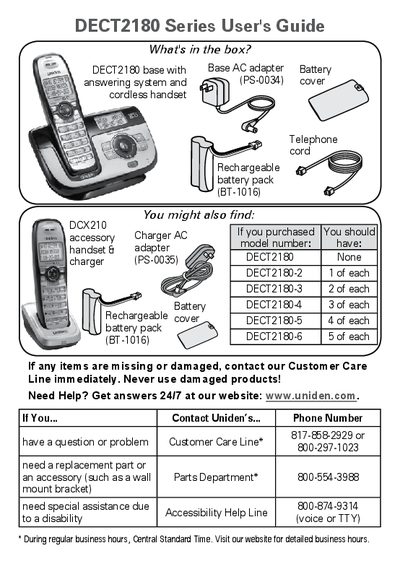
This manual provides instructions for setting up and operating the Uniden DECT2180 series cordless telephone system. It details how to charge batteries, connect the telephone line, and identify the various keys and display icons on both the base and the handset. The guide explains how to navigate the menu system to adjust settings such as ringer tones, volume, and privacy modes.
| Battery Charge Time | about 15 hours |
|---|
It takes about 15 hours to charge all handsets completely before using them.
You must charge all handsets completely for about 15 hours before using them.
The base AC adapter connects to a standard 120V AC power outlet.
The handset times out and exits the menu automatically.