
This document provides instructions for using Uniden's DECT1340 series telephone equipment and important safety precautions. The telephone equipment includes a base, cordless handset, battery, AC adapter, and other accessories.
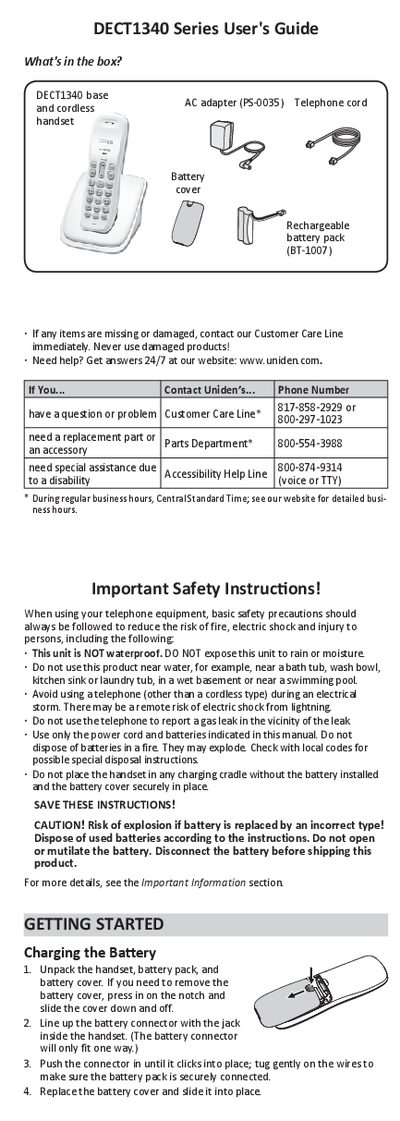
The document serves as a comprehensive user manual for the Uniden DECT1340 Series cordless phone. It details the contents of the package, including the base unit, handset, battery pack (BT-1007), and accessories. The guide emphasizes safety precautions regarding moisture and battery disposal before proceeding with setup.
| Battery Type | Rechargeable battery pack BT-1007 |
|---|---|
| Charging Time | about 15 hours |
| Memory Capacity | ten different phone numbers (up to 20 digits each) |
| Power Input | 120V AC outlet |
It takes about 15 hours to charge the handset completely before using it.
You must charge the handset completely for about 15 hours before using it.
You can store up to 20 digits for each of the ten different phone numbers.
The handset will beep for one minute or until you press FIND again.