
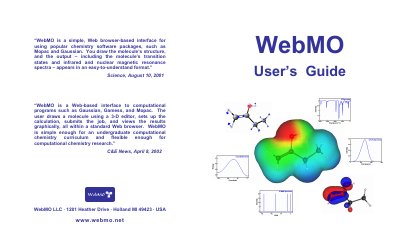
This is the WebMO User's Guide (WebMO/Manual Version 3.3), published by WebMO LLC of Holland, Michigan, USA. WebMO is described in the document as a simple, Web browser-based interface for using popular chemistry software packages such as Mopac and Gaussian: the user draws a molecule's structure and the output, including transition states and infrared and nuclear magnetic resonance spectra, appears in an easy-to-understand format.
The guide opens with an introduction, capabilities and a quickstart tutorial (login, Job Manager, Build Molecule, editor, choosing a computational engine, configuring job options, viewing a job) and covers building molecules with the WebMO editor tools, running jobs and calculation types, visualizing results such as geometries, calculated quantities, spectra and orbitals, job and profile management, and WebMO administration. A set of exercises and appendices on installing and upgrading WebMO closes the manual.
| Product type | Web browser-based interface to chemistry software packages |
|---|---|
| Supported chemistry packages | Packages such as Mopac and Gaussian; GAMESS, GAUSSIAN and MOPAC sections |
| Molecule input | 3-D editor for drawing a molecule |
| Version | 3.3 |
WebMO is a Web browser-based interface for using popular chemistry software packages such as Mopac and Gaussian.
The guide mentions programs such as Gaussian, Gamess and Mopac.
Yes. The user sets up the calculation, submits the job and views the results graphically, all within a standard Web browser.
It walks through login, the Job Manager, building a molecule with the editor, choosing a computational engine, configuring job options and viewing the job.