
Scientific Atlanta Explorer 8300/8300HD DVR Getting Started Guide

With the Explorer® 8300™ and 8300HD™ DVR, you can easily record your favorite programs and play them back anytime. It features recording, pausing, fast-forwarding, rewinding, and picture-in-picture capabilities, giving users complete control over their TV viewing experience.
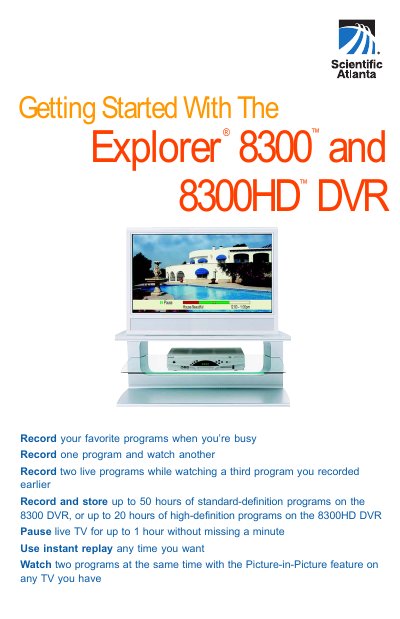

Scientific Atlanta Explorer 8300/8300HD DVR Getting Started Guide - cover page
Brand
Explorer
Category
Other Electronics
Document type
User Manual
Language
English
Pages
16
File format
PDF
File size
2 MB
Published
04 July, 2012
Updated
28 September, 2023
MD5 checksum
033083C85EF92A0A8545599E20DCF5FD

About this manual

This document serves as a getting started guide for the Scientific Atlanta Explorer 8300 and 8300HD Digital Video Recorders (DVR). It highlights key features such as recording multiple programs simultaneously, Picture-in-Picture (PIP) functionality, and instant replay capabilities. The guide is designed to help users quickly begin using the device to record and watch their favorite television programs.

What's inside

  • Welcome
  • Using Your Remote Control
  • Preparing the DVR to Work with Your HDTV
  • Selecting HDTV Picture Formats
  • Easy Setup Instructions
  • Advanced Setup Instructions
  • Select Picture Mode for Normal Viewing
  • Important Note Regarding the HDMI Interface

Frequently asked questions

How many hours of standard-definition or high-definition programs can be recorded on each DVR model?

The 8300 DVR can store up to 50 hours of standard-definition programs, while the 8300HD DVR can store up to 20 hours of high-definition programs.

How long can live TV be paused without missing any content?

You can pause live TV for up to 1 hour without missing a minute.

What happens to the audio output if an HDTV does not support Dolby Digital formatted content?

The HDMI interface switches the audio outputs to 2-channel PCM audio to be compatible with the HDTV.

Download PDF (2 MB)

More Explorer Manuals


View all Explorer manuals →