
This document is the user manual for 11b/g Long Range Multi-function 7+1 AP ECB3500. It includes hardware installation, IP address configuration, and operating mode switching.
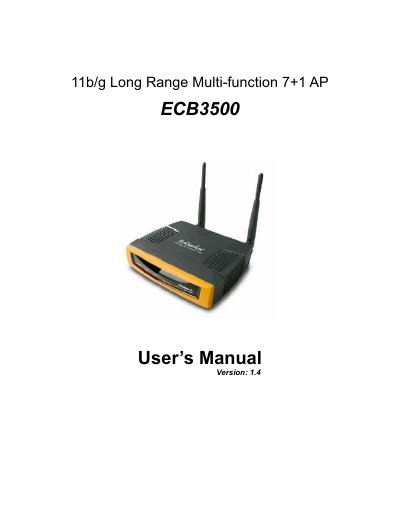
The 11b/g ECB3500 is an enterprise-level wireless device that supports seven multi-functions, including Access Point, Client Bridge, Repeater, WDS AP, WDS Bridge, Client Router, and AP Router. It operates in the 2.4 GHz frequency spectrum, supporting 802.11b (11Mbps) and 802.11g (108Mbps) standards with high output power up to 28 dBm.
| Wireless Standards | 802.11b/g |
|---|---|
| Output Power | up to 28 dBm |
| Data Rate | up to 108Mbps |
| Frequency | 2.4 GHz |
| Functions | 7+1 Multi Functions |
The device supports seven functions: Access Point, Client Bridge, Repeater, WDS AP, WDS Bridge, Client Router, and AP Router.
The ECB3500 supports IEEE 802.11b and 802.11g standards.