
iLink LCD is a downloadable messaging system from Nel-Tech Labs, Inc that utilizes state-of-the-art MPEG compression to achieve truly stunning near-CD quality audio storage and playback.
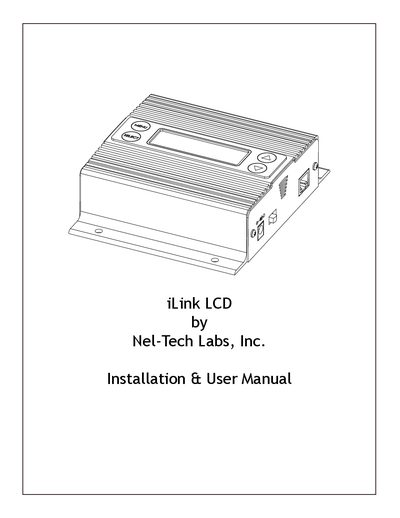
The Nel-Tech Labs iLink LCD is an Internet downloadable messaging system that utilizes MPEG compression for high-quality audio storage and playback. All unit management and audio downloads are handled by a dealer using a special controller software suite, allowing for digital transfers of MP3 files and configuration settings via a high-speed Internet connection. Changes can be initiated on demand, scheduled, or set to load automatically.
| Power Supply | 12VDC @ 500mA |
|---|---|
| Display | 2 x 16 LCD |
| Audio Compression | MPEG |
| Impedance Switch | 8Q or 600Q |
| Firmware Version | 07.09.X |
The package includes the iLink LCD unit, a 12VDC power supply, Ethernet cable, RCA to RCA cable, RCA to 3.5mm adapter, wall mount screws, and an instruction manual.
If the MAIN MENU is idle for more than 30 seconds, it reverts to the MAIN SCREEN. If a SUB MENU is idle for more than 300 seconds, it reverts to the MAIN SCREEN and cancels any current changes.