
This is a document about the quick setup of Axiom Series products, providing installation steps and instructions in different languages.
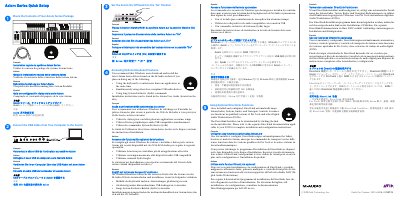
This guide provides instructions for setting up the M-Audio Axiom Series keyboard. It details how to check the package contents, connect the USB cable to the computer, and set the power switch to the 'On' position. The document also includes multilingual instructions for these initial steps.
Windows users should download and install the latest drivers if they plan to use the keyboard to control more than one application at the same time, use other class-compliant USB audio devices simultaneously, or use long System Exclusive commands.
Once installed and configured, DirectLink automatically maps Axiom faders, buttons, knobs, and Transport Controls to numerous functions in qualified versions of Pro Tools and other Digital Audio Workstations.
Users must refer to the separate DirectLink documentation applicable to their specific Digital Audio Workstation for complete installation and configuration instructions.