
This document is a user manual for a certain phone. It mainly introduces how to install SIM card and battery, and how to use the phone's various functions.
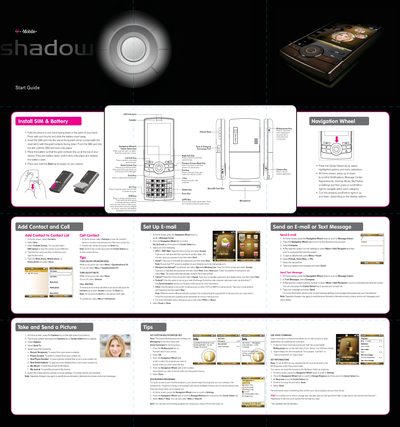
This document provides instructions for setting up and using the T-Mobile LG enV2 mobile phone. It covers hardware installation, including inserting the SIM card and battery, as well as navigating the device's interface using the navigation wheel and soft keys. The guide details how to make calls, manage contacts, and send text messages or pictures.
Insert the SIM card into the slot at the top-left corner with the gold contacts facing down and push it until it locks.
Press and hold the End key to power on, or press and hold the same key to turn the device off.
The short press launches Messaging, while holding it down activates Voice Command.