
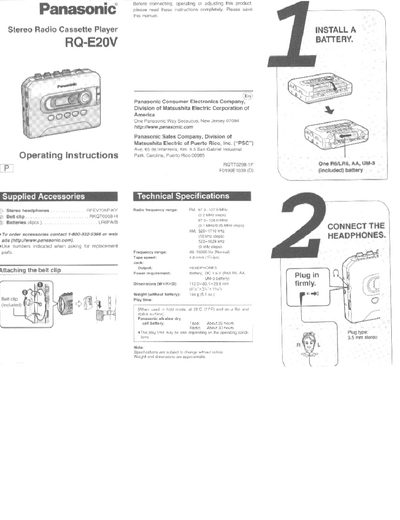
This document is the operating manual for the Panasonic RQ-E20V Stereo Radio Cassette Player. It details the supplied accessories, including stereo headphones and a belt clip, and instructs users to read all instructions before connecting or adjusting the product.
The guide provides step-by-step procedures for installing batteries (R6/LRG AA), connecting 3.5 mm stereo headphones, and operating both the cassette player and radio functions. It includes troubleshooting tips for issues such as no sound, gritty noises, or battery problems.
| Power requirement | Battery, OC 1.5 V (R6, AA, UM-3 battery) |
|---|---|
| Headphone jack | 3.5 mm stereo |
The unit requires one R6/LRG AA, UM-3 battery (included) or Panasonic alkaline dry cell batteries.
Plug the stereo headphones into the 3.5 mm stereo jack located on the unit.
Frequencies of up to 20 radio stations (10 each for AM and FM) can be stored.