
This is an iPad accessory that includes a wireless Bluetooth keyboard and a protective iPad case.
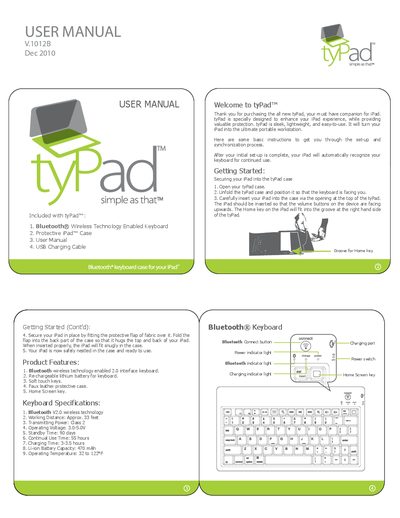
The Accessory Workshop tyPad is a protective case for the iPad that includes a Bluetooth wireless technology enabled keyboard. The device features a rechargeable lithium battery, soft touch keys, and a faux leather protective case. It is designed to turn the iPad into a portable workstation.
| Bluetooth Version | 2.0 |
|---|---|
| Working Distance | Approx. 33 feet |
| Transmitting Power | Class 2 |
| Operating Voltage | 3.0-5.0V |
| Standby Time | 90 days |
| Continual Use Time | 55 hours |
| Charging Time | 3-3.5 hours |
| Battery Capacity | 470 mAh |
| Operating Temperature | 32 to 122°F |
The keyboard has a standby time of 90 days.
It takes approximately 3 to 3.5 hours to charge the keyboard.