
This document is an installation guide for a product. It provides information that needs to be known before installation. It also includes installation guides in different languages, as well as a website for additional product information and updates.
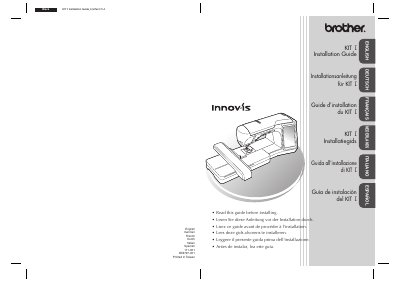
This document is the installation guide for the Brother KIT I upgrade kit. It details the steps required to install the new software on a compatible Brother sewing machine, including obtaining a certification key via an internet connection and transferring the upgrade application to the machine using a USB drive or direct USB cable connection. The guide includes computer requirements and troubleshooting tips for common errors during the key generation process.
| Operating System | Windows 2000/XP, Windows Vista and Windows 7 |
|---|---|
| Connection Requirement | Internet connection available |
| Port Requirement | one available USB port |
You can install the upgrade application using either USB media or a computer connected via USB cable.
If an error occurs, a message will appear in red, and you should check the entered information or connection.