
This is a user manual of MAGICSTOMP MK2
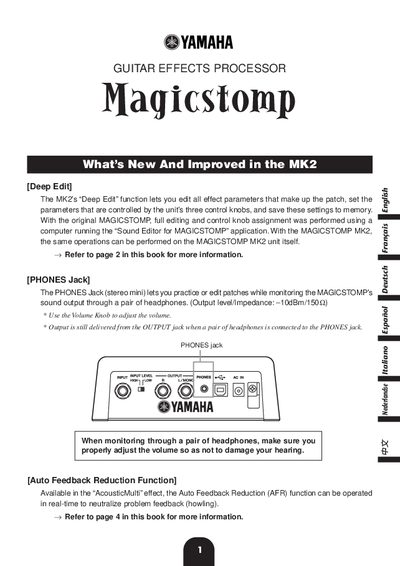
The Yamaha Magicstomp Mk2 is a guitar effects processor that introduces significant improvements over the original model. The most notable new feature is the "Deep Edit" function, which allows users to edit all effect parameters and control knob assignments directly on the unit without needing a computer. This manual details how to access Deep Edit mode, modify patch settings, and assign specific parameters to the three physical control knobs.
Press the ON/OFF switch once and release quickly (within one second) while in the current patch view.
It is a feature available in "AcousticMulti" patches that uses notch filters to neutralize feedback or howling sounds.
Yes, the PHONES Jack allows you to monitor sound through a pair of headphones while practicing or editing patches.