
This document is the Tyros2 Accessory CD-ROM Installation Guide, which provides information on the copyright of the software and installation precautions. It also emphasizes the prohibition of unauthorized copying of the software and manual, as well as the caution of not playing the disc on an audio CD player.
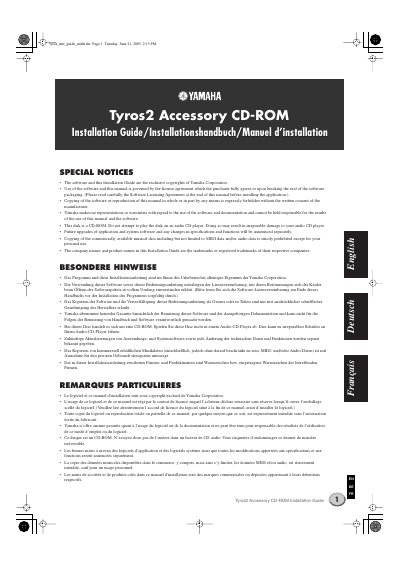
This document serves as an installation guide for the Yamaha Tyros2 Accessory CD-ROM. It details the procedures for installing the USB-MIDI driver and the Voice Editor software on Windows 2000 and Windows XP operating systems. The guide also includes important notices regarding software licensing and system requirements.
| Operating System | Windows2000 / XP Home Edition / XP Professional |
|---|---|
| Processor (Voice Editor) | 550 MHz or higher; Intel Pentium or Celeron processor |
| Memory (Voice Editor) | 128 MB or more |
| Hard Disk (Voice Editor) | 20 MB or more |
| Processor (USB MIDI Driver) | 166 MHz or higher; Intel Pentium or Celeron processor |
| Memory (USB MIDI Driver) | 82 MB or more |
| Hard Disk (USB MIDI Driver) | 2 MB or more |
The applications in this CD-ROM are provided in versions for Windows operating systems, specifically Windows 2000, XP Home Edition, and XP Professional.
You must connect the USB connector of the computer to the USB TO HOST connector of the Tyros2 using a USB cable.
Never attempt to play the CD-ROM on an audio CD player, as doing so may result in irreparable damage to the audio CD player.