
This document is an operation manual that provides safety instructions for using the machine. It includes precautions for using the machine for its intended purpose, using the machine near children, handling damaged machine or AC adapter, ensuring proper ventilation, avoiding object insertion, and avoiding outdoor or specific environment usage.
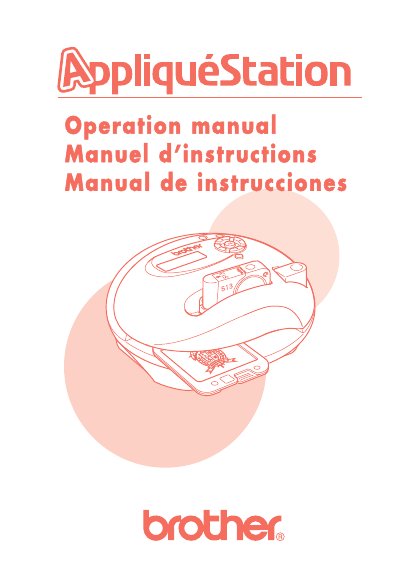
The Brother AppliquéStation is a home embroidery machine designed to allow users to quickly and easily create embroidered appliqués for various fabric items. The machine features a dot matrix LCD display, a solid rubber keyboard with 9 keys, and supports a maximum embroidering area of 60 × 60 mm. It operates at a speed of up to 300 stitches per minute using specially designed thread cartridges and design frames.
| Maximum embroidering area | 60 × 60 mm |
|---|---|
| Maximum embroidering speed | 300 stitches/minute |
| Number of keys | 9 |
| LCD display size | 32 × 96 dots |
| Weight | Approx. 1.1 kg |
The machine requires specially designed thread cartridges and design frames. Only Brother “AppliquéStation” supplies should be used.
No, the manual explicitly warns not to use the machine outdoors.
First, consult the troubleshooting table in the manual. If the problem persists, contact an authorized service center.