
This is a user manual for Ensemble. It mainly introduces the components, assembly methods and usage of Ensemble.
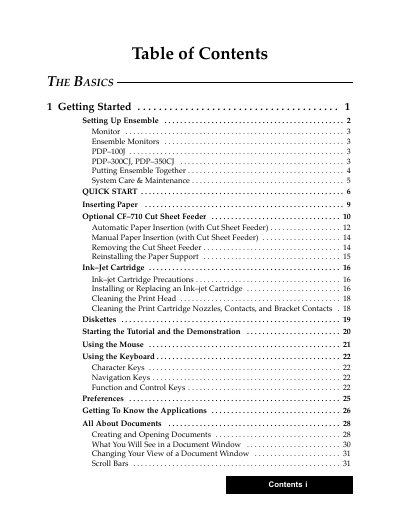
This document is the official User's Guide for the Ensemble PDP-100J, PDP-300CJ, and PDP-350CJ systems. It covers the basics of setting up the hardware and software, including connecting monitors and installing ink-jet cartridges. The guide details how to use the included applications for word processing, desktop publishing, and spreadsheet management.
Ensemble is a desktop publishing system that includes word processing, spreadsheet, and drawing applications.
You can insert paper manually or use an optional CF-710 Cut Sheet Feeder for automatic insertion.