
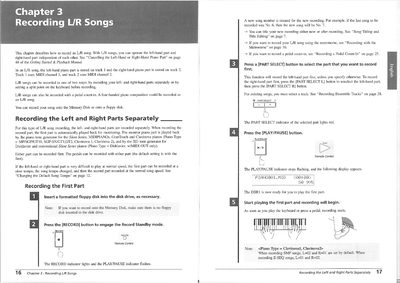
This document explains how to record L/R (Left/Right) songs on Yamaha Disklavier and Clavinova pianos. It details two primary methods: recording the left-hand and right-hand parts separately, or setting a keyboard split point to play both parts simultaneously during recording.
The guide provides step-by-step procedures for engaging Record Standby mode, selecting tracks, adjusting song tempo if necessary, and saving the final composition to a floppy disk or Memory Disk. It also covers re-recording specific parts and managing pedal data.
A new song number is automatically created; for example, if the last recorded song was No. 6, the new song will be No. 7.
Yes, you can record your L/R song using the metronome by following the instructions on page 10.
Any setting operated on the Clavinova panel during Record Standby mode or during a recording will be saved with the song data.