
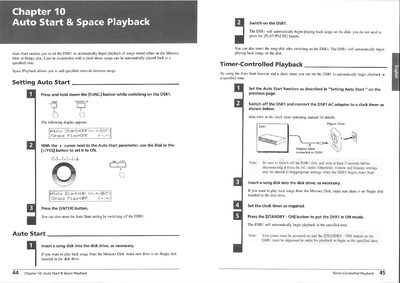
This document details the 'Auto Start' function for the Yamaha DSR1, allowing users to set the device to automatically begin playing songs from a Memory Disk or floppy disk at a specified time using a clock timer. It explains how to configure the timer and notes that volume and balance settings are not saved when the device is switched off by the timer.
The text also covers the 'Space Playback' feature, which allows users to specify pause intervals between songs. Users can set the pause duration from 001 to 300 minutes or stop after one song. The document explains how the space time counter works and how playback behaves if the current song is longer or shorter than the specified interval.
| Space Playback Stop Mode | STOP |
|---|
No, adjustments made after playback begins will not be saved when the DSR1 is switched off by the timer.
Enable the Auto Start function and connect the AC adaptor to a clock timer, then press the [STANDBY - ON] button.
The adjustments will not be saved when the DSR1 is switched off by the timer.
Hold down the [PART SELECT L] and [PART SELECT R] buttons until "PDoff" appears on the display.