
This document is the owner's manual for the PLG150-DR/PLG150-PC plugin board editor, providing instructions on how to use the editor and examples of its operation.
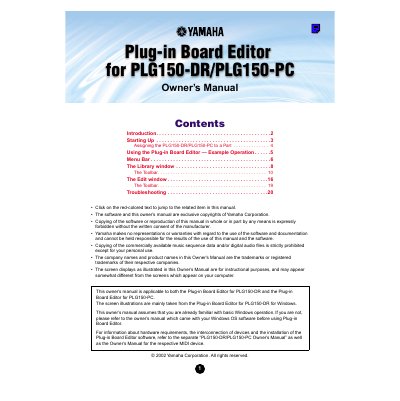
The Plug-in Board Editor is a software application that allows users to edit voices and effects for the PLG150-DR and PLG150-PC synthesizers via a computer. It features a graphical user interface with sliders and switches for manipulating synthesizer parameters and saving changes to a library file.
The manual provides instructions on starting the software, assigning the synthesizer to a part, and using the various windows and tools within the editor. It details how to manage the Library window, utilize the toolbar functions, and perform edits in the Edit window, including importing voices, adjusting parameters, and storing changes.
It allows you to edit the voices and effects of the PLG150-DR/PLG150-PC synthesizer via your computer.
You can save your settings as Library files with the extensions *.DRK or *.PCK.
Voice names can consist of up to 8 characters.