
This manual provides basic information on the CDR-HD1500 HDD/CD recorder, including its functions, usage methods, and safety warnings.
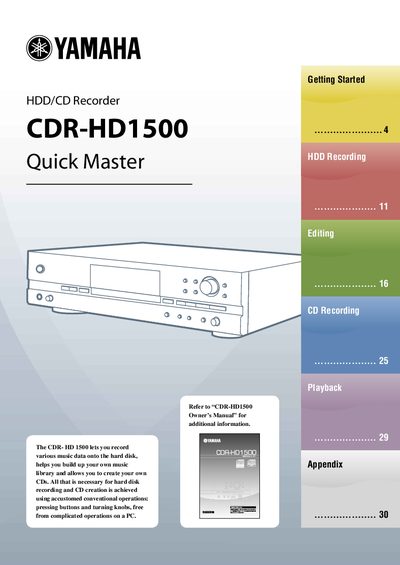
The Yamaha CDR-HD1500 is an HDD/CD Recorder designed to record various music data onto a hard disk drive and allow users to create their own CDs. It supports recording from analog sources like LPs and tapes, as well as digital sources such as CD players, DAT, MD, and satellite broadcasts. The device features a built-in CD-R drive and allows for hard disk recording using conventional button and knob operations without the need for a PC.
| Interface | IDE/ATA |
|---|---|
| Data Transfer Mode | PIO mode 0-4, Multiword DMA mode 0-2 |
| HDD Size | 3.5 inches |
| HDD Capacity | 20 GB-400 GB |
| Recordable Time (80 GB) | approx. 120 hrs. |
| Recordable Time (400 GB) | approx. 600 hrs. |
Up to 400 GB is recommended, as more than 400 GB may not be operable.
You must set the HDD to "Slave" mode before installing it into the unit.
Formatting takes approximately 15 seconds.