
This document introduces how to use Yamaha Voice Editor
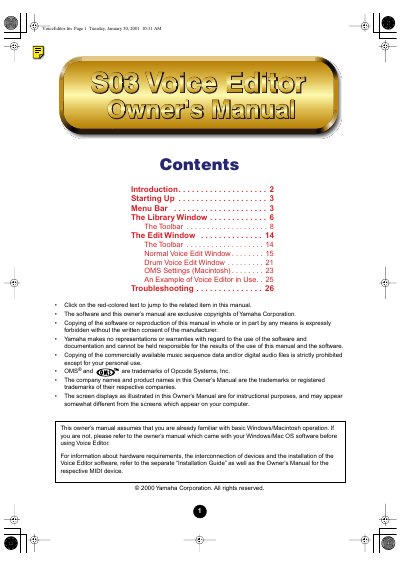
The Yamaha S03 Voice Editor is a plug-in software application designed to allow users to edit voices and effects for the S03 synthesizer using a computer. It features a graphical user interface with sliders and switches for manipulating parameters and saving changes to a library file.
The manual covers the software's startup procedures for both Windows and Macintosh operating systems, detailed descriptions of the menu bar and toolbar functions, and instructions for using the Library and Edit windows. It also includes sections on MIDI setup, troubleshooting, and examples of usage.
| Voice Name Length | up to 8 characters |
|---|
Start Voice Editor by starting XGworks and choosing 'S03 VoiceEditor' from the 'Plug-in' menu.
Open the 'S03 Voice Editor' folder in the 'YAMAHA Voice Editor' folder and double-click the 'S03 Voice Editor' icon.