
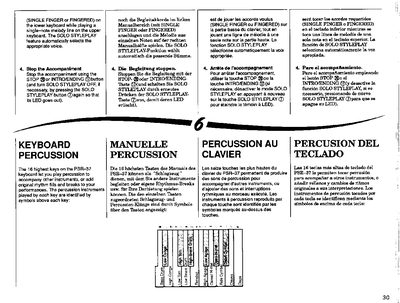
This document serves as a user guide for the Yamaha PSR-37 keyboard. It details how to utilize the keyboard percussion feature, which allows users to play percussion sounds on the 16 highest keys to accompany other instruments or add rhythm fills. The guide explains that this feature can be activated by pressing the KEYBOARD PERCUSSION button and that its volume is controlled by the ACCOMPANIMENT VOLUME buttons.
| Chord resolution | 16th note |
|---|---|
| Keyboard percussion keys | 16 highest keys |
No, the Keyboard Percussion feature cannot be used while any of the PSR-37 preset ACCOMPANIMENT STYLE rhythms are playing.
The system allows you to record sequences containing a maximum of 200 chords.
Chords are recorded at 16th note resolution.
Material recorded using the CHORD SEQUENCER will be lost as soon as the PSR-37 POWER switch is turned OFF.