
This document introduces the new functions of CLP-370/340/S308/S306 version 1.60, including adding settings and enhancing security
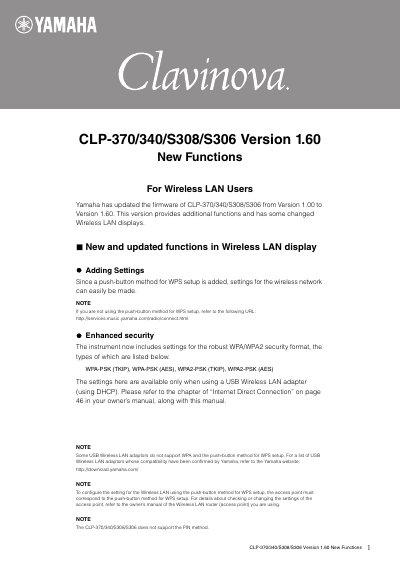
This document describes the new functions added in firmware version 1.60 for the Yamaha Clavinova CLP-370/340/S308/S306 digital pianos. The update introduces a push-button method for WPS (Wi-Fi Protected Setup) to simplify wireless network configuration and enhances security with support for WPA/WPA2 formats.
The guide provides step-by-step instructions on how to configure Internet Direct Connection (IDC) using the push-button method for WPS setup via a USB Wireless LAN adapter. It also lists specific error codes that may appear during the setup process and directs users to external resources for further assistance.
| Supported Security Formats | WPA-PSK (TKIP), WPA-PSK (AES), WPA2-PSK (TKIP), WPA2-PSK (AES) |
|---|---|
| Firmware Version | 1.60 |
No, the instrument does not support the PIN method for WPS setup.
An 'Err' message and the error code will appear alternately on the display.