
This is a product manual that introduces the features and functions of the Agilent Cerity NDS network management system, as well as how to use it to control and manage Agilent laboratory analyzers
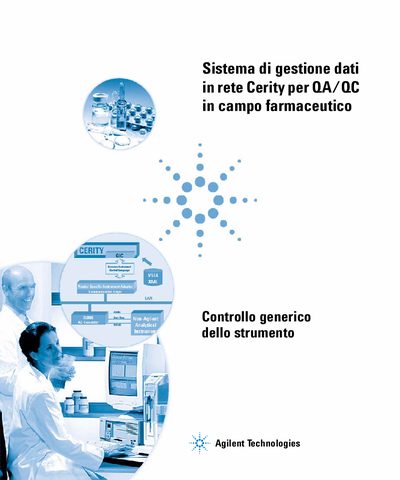
This document serves as the user manual for the Generic Instrument Control (GIC) function within the Agilent NDS Cerity Network Data Management System designed for pharmaceutical QA/QC. It is intended for system administrators and end users who need to connect and configure third-party instruments into the Cerity architecture. This manual is written in Italian.
This manual describes how to physically connect and configure a non-Agilent instrument based on GIC to the Cerity application for pharmaceutical QA/QC.
The manual covers connecting an HP GC 5890 or a non-Agilent instrument to the Agilent NDS Cerity system.