
This document is a professional setting guide that explains how to apply various settings in photography to improve camera response, reduce blur, preserve natural contrast, reduce noise, optimize white balance, and adjust autofocus. It also covers settings and features for shooting movies.
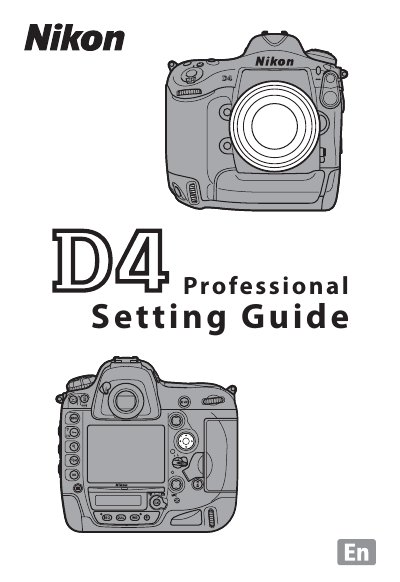
This document serves as a professional setting guide for the Nikon D4 digital SLR camera. It provides detailed instructions on optimizing camera performance for moving subjects, such as athletes, by adjusting Continuous-Servo AF (AF-C) and Dynamic-Area AF settings. The guide covers essential configurations including shutter response improvements, white balance adjustments, and noise reduction at high ISO sensitivities.
The camera gives priority to shutter release over focus, ensuring that you never miss a shot.
You can select separate focus points in both orientations by enabling the 'Store points by orientation' setting.
Vibration reduction should be turned off for accurate framing at high shutter speeds of 1/500 s or faster.