
Casio XJ-460/-560 Projector User's Guide (Basic Operations)

This manual introduces the operation methods of the ED-D7850/ED-D8850/ED-D9850 projector
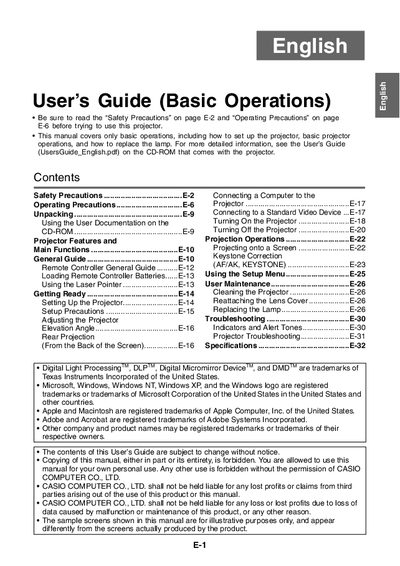

Casio XJ-460/-560 Projector User's Guide (Basic Operations) - cover page
Brand
XJ-460/-560
Category
Projector
Document type
User Manual
Language
English
Pages
32
File format
PDF
File size
1.4 MB
Published
06 June, 2012
Updated
30 September, 2023
Model
XJ-460
MD5 checksum
8A5E1D6626B102018F0D43F95291F17C

About this manual

This document serves as a basic operation guide for the Casio XJ-460 and XJ-560 rear projection projectors. It provides instructions on unpacking, connecting to computers or standard video devices, turning the unit on and off, and using the remote controller.

The guide also details essential maintenance tasks such as cleaning the projector and replacing the lamp, along with safety precautions regarding ventilation, power cords, and lens care.

What's inside

  • Safety Precautions
  • Operating Precautions
  • Connecting a Computer to the Projector
  • Turning On the Projector
  • Projecting onto a Screen
  • Keystone Correction
  • Using the Setup Menu
  • Replacing the Lamp
  • Troubleshooting

Frequently asked questions

What is the operating temperature range for this projector?

The recommended operating temperature range is between 5°C and 35°C (41 to 95°F).

How much space should be left between the projector and walls?

You must allow at least 30cm (11.8 inches) of clearance between the projector and walls.

Download PDF (1.4 MB)