
This is a user manual for the Canon EX-S3 camera, which introduces the camera's features, usage methods and precautions.
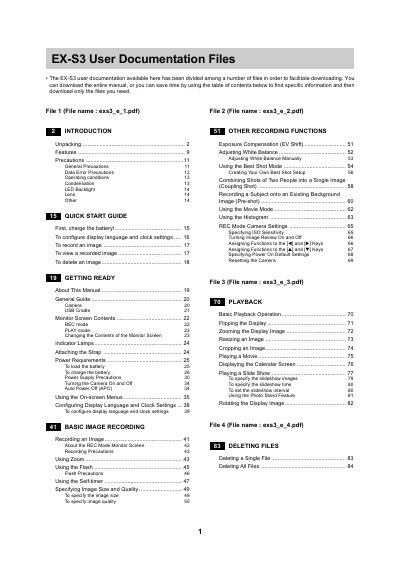
This document is a collection of five separate PDF files comprising the full user manual for the EX-S3 digital camera. The guide covers unpacking, features, precautions, and power requirements to help users get ready with the device.
The documentation details basic image recording functions such as exposure compensation, white balance adjustment, and best shot modes. It also explains playback operations, file management including protecting and deleting files, print settings, and how to use memory cards for storage.
You can configure these settings by following the instructions in the 'Configuring Display Language and Clock Settings' section of the manual.
The manual provides a specific procedure for recording an image in the Quick Start Guide.