
EX-S1/EX-M1 Digital Camera User Documentation Files

This document is the user manual of Canon EX-S1/EX-M1 digital camera
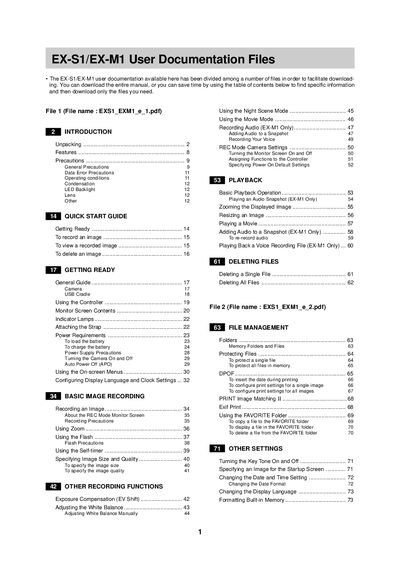

EX-S1/EX-M1 Digital Camera User Documentation Files - cover page
Brand
EX-S1/EX-M1
Category
Digital cameras
Document type
User Manual
Language
English
Pages
2
File format
PDF
File size
13 KB
Published
06 June, 2012
Updated
30 September, 2023
MD5 checksum
D3E346A926FC1F8BAA59D3D80DF8AAD6

About this manual

This document serves as a comprehensive guide for the EX-S1 and EX-M1 digital cameras. It is structured into multiple files to facilitate easy access to specific information, allowing users to download only the sections they need. The manual covers essential topics including unpacking, general precautions, operating conditions, and basic camera setup.

What's inside

  • Unpacking
  • General Precautions
  • Getting Ready
  • Basic Image Recording
  • Other Recording Functions
  • Playback
  • Deleting Files
  • File Management
  • Using a Memory Card
  • Specifications

Frequently asked questions

What is the purpose of the EX-S1/EX-M1?

The device functions as a digital camera for recording images and movies, with the EX-M1 model also capable of recording audio.

How do I transfer files from the camera to a computer?

You can transfer files by connecting the camera via USB or by using a memory card to move images to the computer.

What steps are required to prepare the camera for audio playback?

To use the camera as an audio player, you must first transfer audio files to it and then specify the playback mode.

Download PDF (13 KB)