
Explains how to manage files in the camera, including protecting files, specifying printing files, etc.
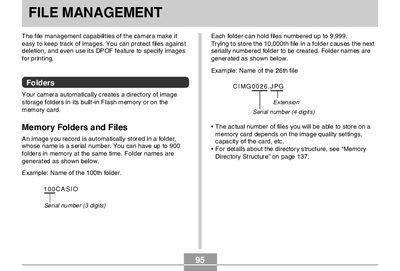
This manual details the file management capabilities of the camera, including how to protect individual or all files against deletion. It explains the automatic creation of directory folders based on serial numbers and provides steps for managing image storage.
The document covers printing features such as DPOF (Digital Print Order Format) settings for specifying images and copy counts, PRINT Image Matching II data usage, and Exif Print compatibility. It also includes procedures for using USB Direct-Print to send images directly to a compatible printer.
You can have up to 900 folders in memory at the same time.
Trying to store the 10,000th file causes the next serially numbered folder to be created.
Yes, you can specify up to 99 for the number of copies.