
This document introduces the features of the camera and precautions for use.
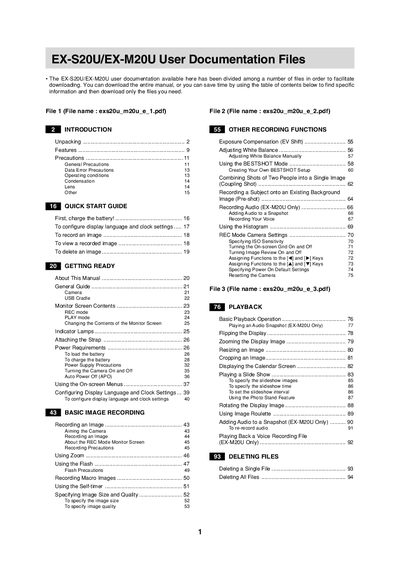
This document serves as a comprehensive guide for the EX-S20U and EX-M20U digital cameras. It provides instructions on unpacking, charging batteries, turning the camera on and off, and configuring display settings such as language and clock time.
The manual details how to record images using various modes including BESTSHOT, adjust zoom and flash settings, and utilize features like self-timer and macro recording. It also covers playback functions, file protection, DPOF print settings, and transferring data between the camera's built-in memory or memory card and a computer running Windows or Macintosh.
The device functions as a camera for recording images and, in the case of the EX-M20U model, also records audio.
To record an image, you must first aim the camera at the subject and then press the REC button.
You must insert the memory card into the camera slot before you can copy files or format it.