
This manual provides detailed information on how to use the Panasonic Lumix DMC-TZ200 digital camera. It includes instructions on how to operate the camera, as well as how to take photos and videos with the camera. The manual also provides information on the camera's technical specifications.
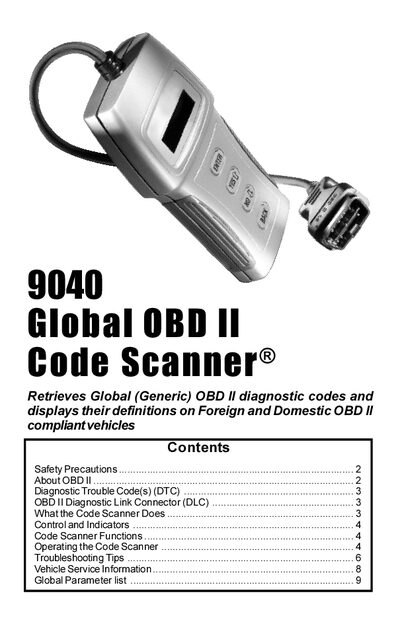
This manual explains the purpose of the 9040 Global OBD II Code Scanner, safety precautions, and basic information about OBD II standards. It includes warnings for eye protection, ventilation, and proper handling of the vehicle and scanner during testing.
The guide details how to operate the scanner, read and erase diagnostic trouble codes, view freeze‑frame data, and use built‑in functions such as MIL status, I/M monitors, and code lookup. Troubleshooting sections cover power‑up issues, link errors, and visual inspection tips, with contact information for technical support.
| Display | 2‑line x 16‑character |
|---|---|
| Power requirement | Minimum 8 V between pin 16 (12 V) and pin 4 (GND) |
| Connector type | J1962 (OBD II) adapter cable |
| Cable function | Provides power and communication link to vehicle |
Select the Read Codes function, press ENTER, and the scanner will retrieve DTCs from the vehicle’s computer modules.
Choose Erase Codes, press ENTER, confirm with YES, and the scanner will delete the DTCs from memory.
Verify the DLC is connected, ensure the scanner receives at least 8 V between pin 16 and pin 4, and confirm the vehicle is OBD II compliant.
Check that the cable is securely attached, the ignition key is ON, the DLC pins are clean, the vehicle is OBD II compliant, and that relevant fuses are intact.