
This is a Pentax Optio 550 digital camera user manual.
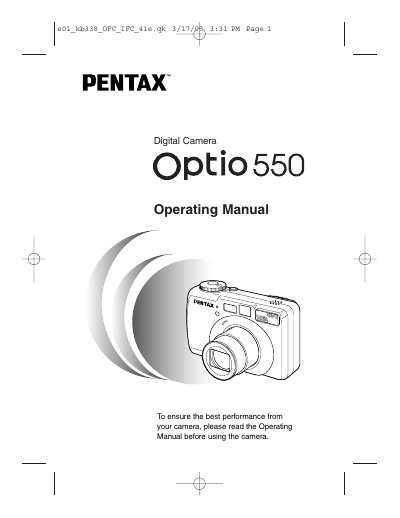
This document is the official operating manual for the Pentax Optio 550 digital camera. It provides comprehensive instructions on getting started with the device, including attaching the strap, installing batteries, and setting up initial configurations such as language and date/time.
The guide details how to operate the camera in various modes, including still picture capture, movie recording, panorama assist, and stereo (3D) imaging. It also covers playback functions, image editing via PC software, and troubleshooting common issues.
| Product Type | Digital Camera |
|---|---|
| Operating Temperature Range | 0°C to 40°C (82°F to 104°F) |
| Battery Type | Rechargeable lithium-ion battery D-LI7 |
No, do not attempt to take the camera apart or remodel it as high voltages are present and there is a danger of electric shocks.
The liquid crystal display will become black at temperatures of approximately 60°C (140°F) but will return to normal when normal temperatures are returned.
No, the camera is not weather, water, or liquid resistant and should be wiped dry immediately if it gets wet.