
Apple Performa 5400 Series Macintosh User Guide

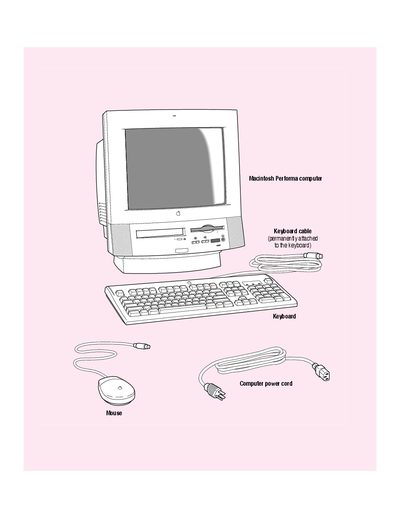
This document introduces how to set up an Apple Macintosh Performa computer

Apple Performa 5400 Series Macintosh User Guide - cover page
Brand
Macintosh
Category
Desktops
Document type
User Manual
Language
English
Pages
184
File format
PDF
File size
3.8 MB
Published
05 June, 2012
Updated
01 October, 2023
MD5 checksum
9F8D97AD7F6ABBD4F140EC82102468A6

About this manual

The document serves as a user manual for the Apple Performa 5400 series Macintosh. It details the initial setup process, including how to plug in the power cord safely and connect essential peripherals such as external modems, mice, and keyboards via ADB ports. The guide also covers expanding the system with additional cards.

What's inside

  • Getting Started
  • Plugging in the computer
  • Installing an expansion card
  • Connecting the modem
  • Connecting the mouse and keyboard

Frequently asked questions

What equipment is required to set up the computer?

You need a sturdy, flat surface near a grounded wall outlet.

How should you lift the computer to avoid injury?

Lift with your knees rather than your back because most of its weight is near the screen.

What type of phone line must be used for the modem?

You must connect the modem to an analog phone line because a digital phone line could damage it.

Download PDF (3.8 MB)

More Macintosh Manuals


View all Macintosh manuals →