
This is an iMac G5 memory upgrade instructions manual, which describes the memory type and installation method
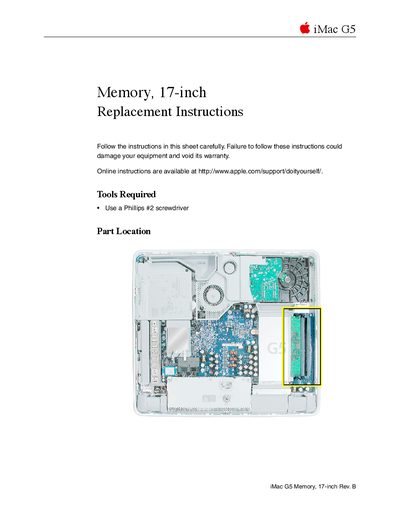
This document provides replacement instructions for the memory module in the Apple iMac G5 computer with a 17-inch display. It specifies that the system uses PC3200, 2.5V, unbuffered, 8-byte, nonparity, 184-pin, 400Mhz DDR SDRAM modules and supports a maximum of 2 GB across two slots.
The guide details the procedure for opening the computer case by loosening captive screws on the back cover. It includes safety warnings regarding static electricity discharge before handling internal components and provides specific steps to remove the existing memory module, install the replacement unit by aligning notches, and reassemble the device.
The computer works with PC3200, 2.5V, unbuffered, 8-byte, nonparity, 184-pin, 400Mhz DDR SDRAM modules.
The maximum amount of RAM you can install is 2 GB.
You must use a Phillips #2 screwdriver to loosen the three captive screws.