
This document provides instructions for assembling and using the KNÄPPA camera, including inserting batteries, turning on/off, taking pictures, connecting to a computer, and deleting photos.
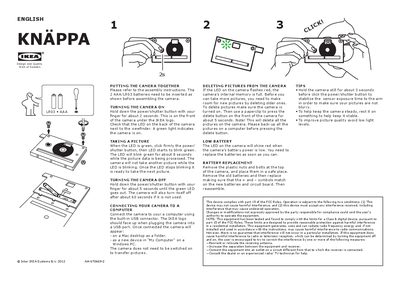
The manual explains how to assemble the KNAPPA camera, insert the required AAA/LRO3 batteries, and turn the device on and off using the power/shutter button. It also covers taking pictures, USB connection to a computer, and transferring images without powering the camera.
Additional sections describe how to delete pictures, replace batteries, interpret LED indicators, and tips for steady shooting and good lighting. FCC compliance and troubleshooting advice for radio interference are also included.
| Battery type | AAA/LRO3 |
|---|